Knowledge base
ASO Atlas documentation
Everything you need to find keywords worth targeting, track where you rank and turn the data into downloads.
Getting started

What is ASO? App Store Optimization explained
ASO meaning, how App Store search works and why keywords decide your downloads. A practical introduction for developers.
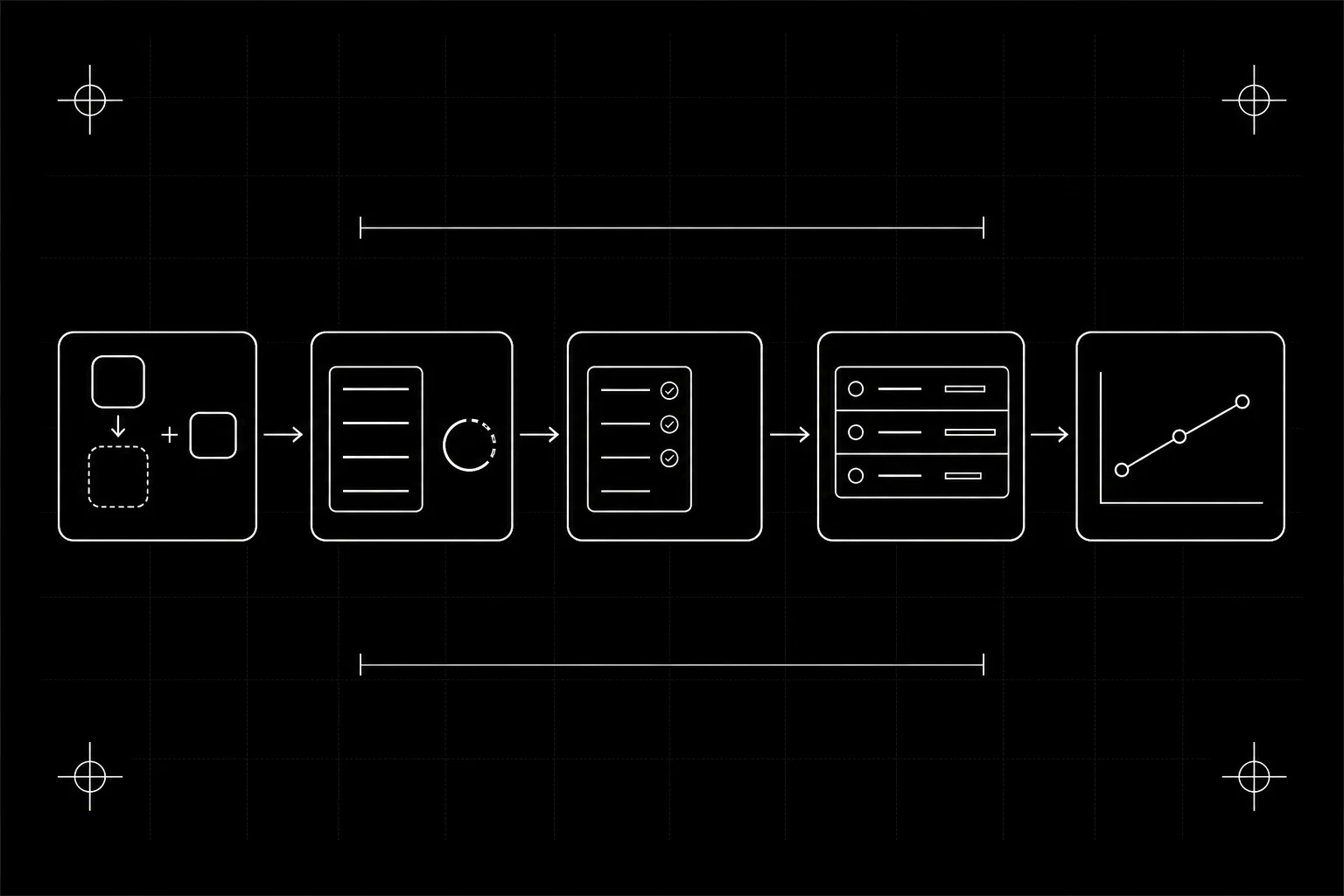
Quick start: from signup to first tracked keyword
Add your app, pick your first keywords and see where you rank. The five-minute path to a working ASO setup in ASO Atlas.
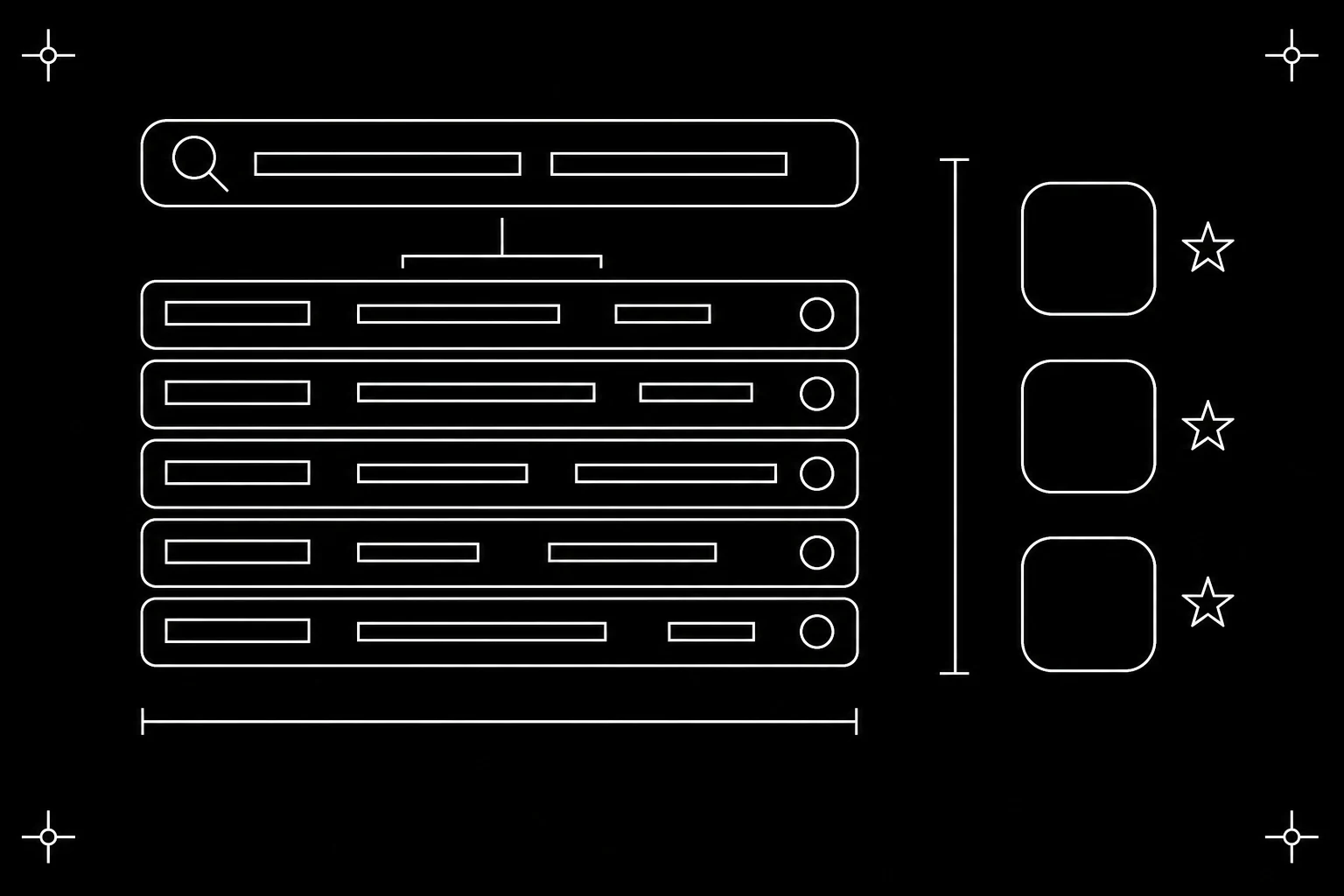
Your first keyword research session
A hands-on tour of the Research page. Compare popularity, difficulty and verdicts for up to 50 keywords at once, then keep the winners.
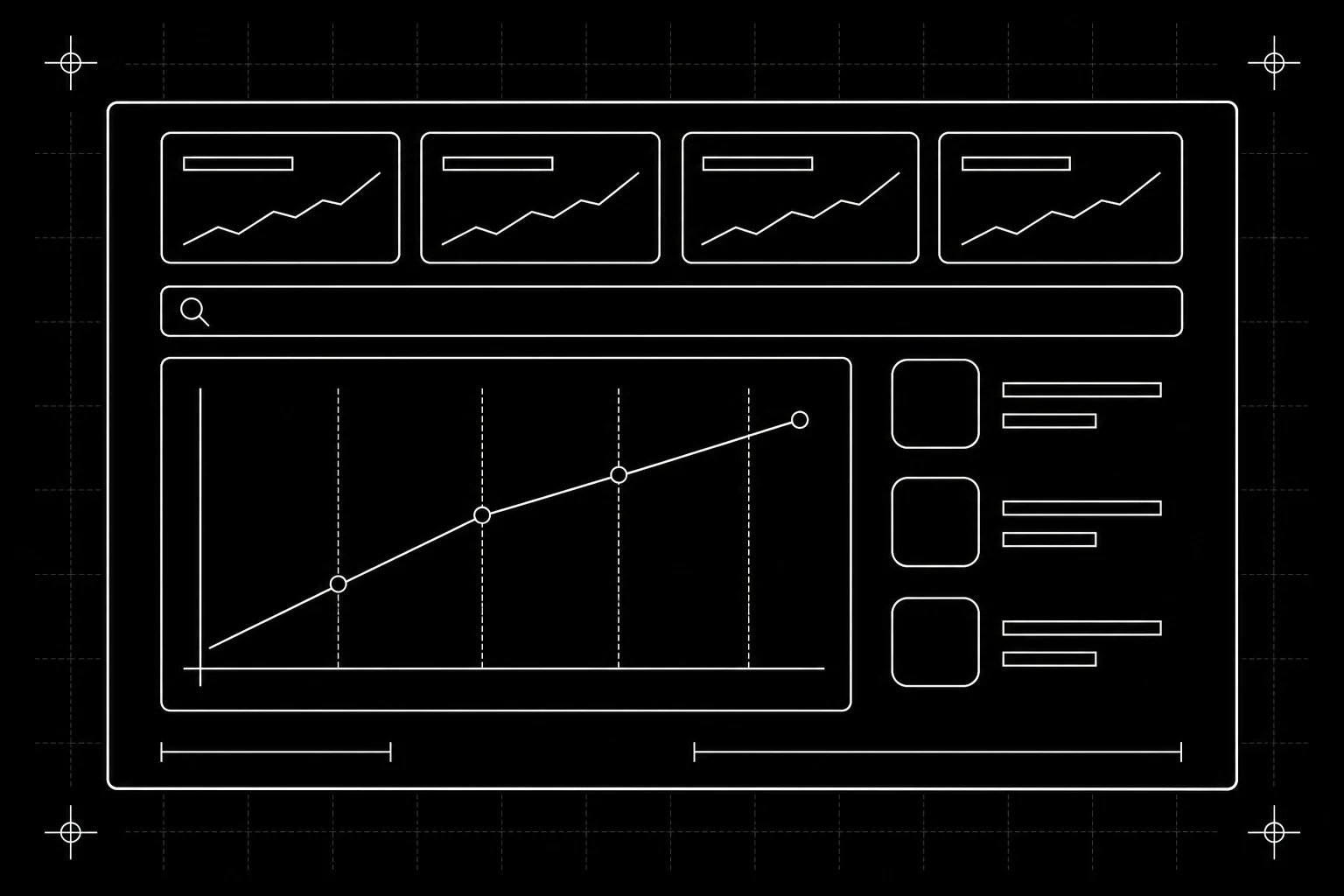
Reading the dashboard
What every number on the ASO Atlas dashboard means, from the headline stats to the IMPR 30D, TOP 10, TOP 50 and VIS 7D columns per app.
Features

Keyword research: evaluate any App Store search term
Research up to 50 keywords at once. Popularity, difficulty, a plain-language verdict and the live competitor list for 60+ storefronts.

Rank tracking: your app ranking tracker
Track where your app ranks for every keyword, daily and per country. How the app ranking tracker works and how to read the trends.
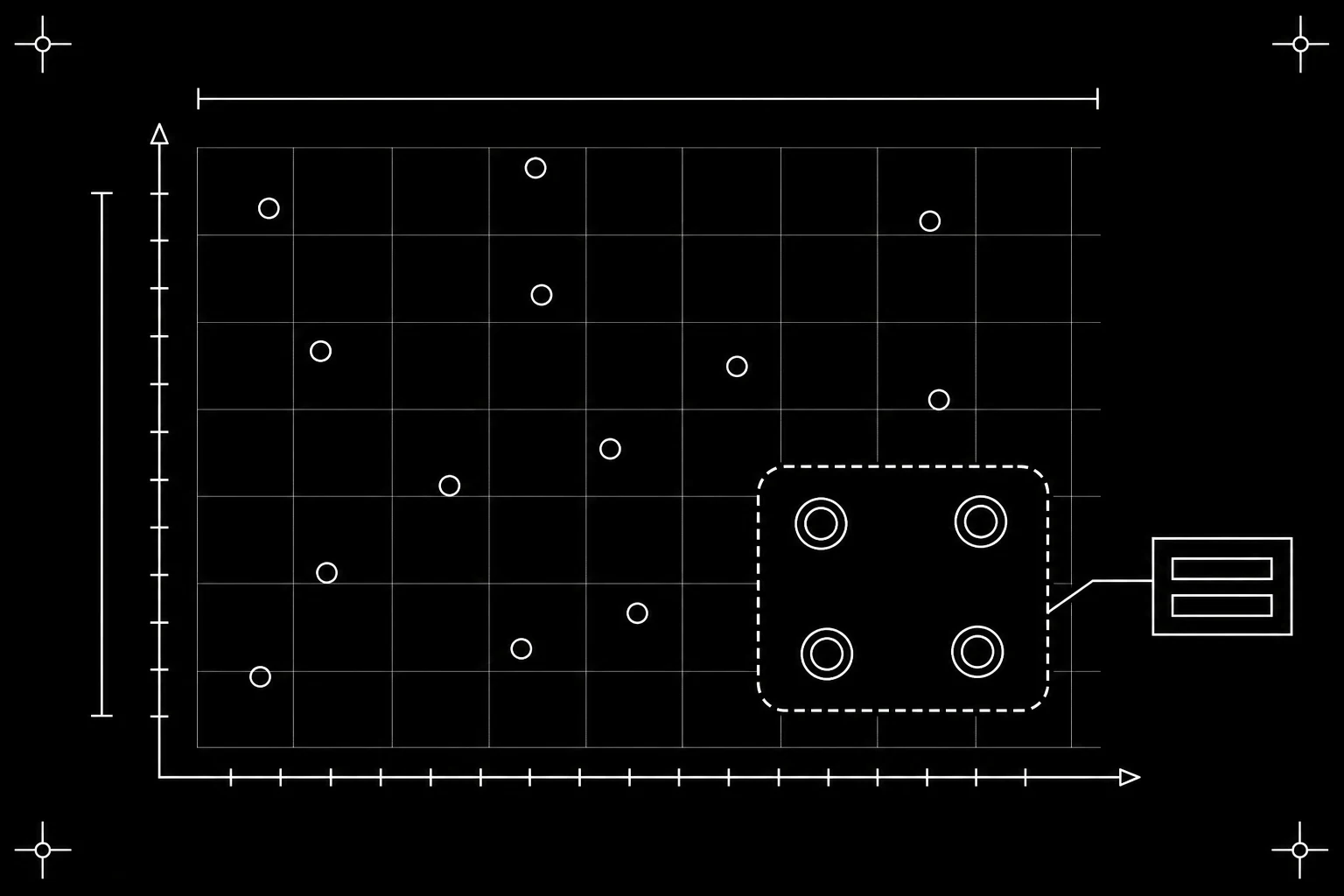
Best opportunities
Which keywords should you work on next? How ASO Atlas surfaces the searches with real demand, beatable competition and room to climb.

Competitor tracking
Track rival apps beside your own: see the keywords they target that you miss, get alerted to their metadata changes, and mine the gap for ideas.

Metadata optimizer
Draft your title, subtitle and keyword field against Apple's limits, spot wasted characters and check coverage of your tracked keywords.

Review insights
See your rating trend, read the latest reviews and learn what users love or complain about. How ASO Atlas turns review text into ASO decisions.

Keyword lists
Save keyword sets as named lists with live popularity, difficulty and verdicts. Build candidate pools, then move the winners into a tracked app.

Screenshot Studio
Design a full App Store screenshot set in your browser: templates, real Apple device frames, captions, and one export per platform.

App icon generator
Turn a one-line description of your app into four App Store ready icon options. How styles, credits, downloads and the icon brief work.
The Mac app
ASO Atlas ships as a native macOS app. What it covers, how to install and sign in, how offline mode works, and what stays web-only.

Free ASO tools
What you can do in ASO Atlas without a subscription; the free keyword checker, what a result tells you, the exact limits and when to upgrade.

Connect your AI to ASO Atlas
ASO Atlas ships an MCP server, so ChatGPT, Claude, Codex, Cursor and any other MCP client can research keywords and act on your account.
Google Play keywords and apps
Research Google Play keywords, track your Android app's rankings, optimize the listing and link Play Console, and why Play demand is a band.
Keyword history
See the keyword field every version of your app shipped with, which keywords you already tested, how they ranked, and whether to try them again.
Concepts

How to pick keywords for your app
A practical framework for choosing App Store keywords worth targeting. Balance real demand, difficulty and relevance, and win the long tail.

Popularity score
What the 0-100 popularity score means, how to read the scale, why the same keyword scores differently per country, and how to use it with difficulty.

What is keyword difficulty?
What the 0-100 keyword difficulty score measures, how to read it, and why the strength of the apps already ranking decides your odds.

The opportunity verdict
How ASO Atlas turns popularity and difficulty into a plain-language keyword verdict, what each label means, and what to do about it.

Verified vs estimated data
How ASO Atlas sources popularity scores, verified Apple search data where available and a calibrated estimate where not, and how to use each.

Countries and storefronts
Why every number in ASO Atlas is tied to a country, how the 60+ App Store storefronts differ, and a practical workflow for going international.
Account & billing
Plans and billing
How ASO Atlas billing works: one flat plan billed monthly or yearly, Stripe Checkout, managing your card and invoices, and cancelling.
Managing your apps
Add, import, refresh and remove tracked apps in ASO Atlas. Change an app's country, sync metadata and know exactly what each action does.
FAQ and troubleshooting
Quick answers to the questions that come up most, from missing positions and shifting scores to changing your email, billing and getting help.